Your computer is only as good as the board it runs on. The motherboard is the central hub. It connects everything. It processes data. And it relies heavily on the processor to keep the chaos in check.
Think of it as the spine of your machine. Without it, you just have a box of expensive parts that don’t talk to each other. The motherboard uses circuits, connectors, and ports to bridge the gap between hardware. The CPU plugs directly into it. Once connected, the processor controls the flow. Every piece of data moving through your PC passes through this board.
For gamers, this component is critical. It’s not just about survival. It’s about optimization. High-end motherboards support more components. They handle heavier workloads. They ensure your GPU and RAM don’t bottleneck each other.
How the Board Keeps Time and Power
Power doesn’t just appear. It flows through specific electrical connectors. You’ll see a 24-pin ATX connector and an 8-pin CPU connector. These feed electricity to the board. Without them, nothing starts.
But power alone isn’t enough. You need coordination.
That’s where the clock comes in. The motherboard uses a quartz-based frequency generator. This device sets the rhythm. It determines how many operations can happen per second. Sync everything or lose it. The clock keeps the CPU, RAM, and storage in step.
Inside the Circuit Board
A motherboard is a complex electronic circuit. Many pieces plug into it. Here is what you actually need to know.
- Processor Socket : This is where the CPU sits. It’s the brain of the computer. If the socket doesn’t match, the build fails immediately.
- Chipset : This chip manages data exchange. It routes traffic between the CPU, memory, and peripherals. Different chipsets offer different feature sets.
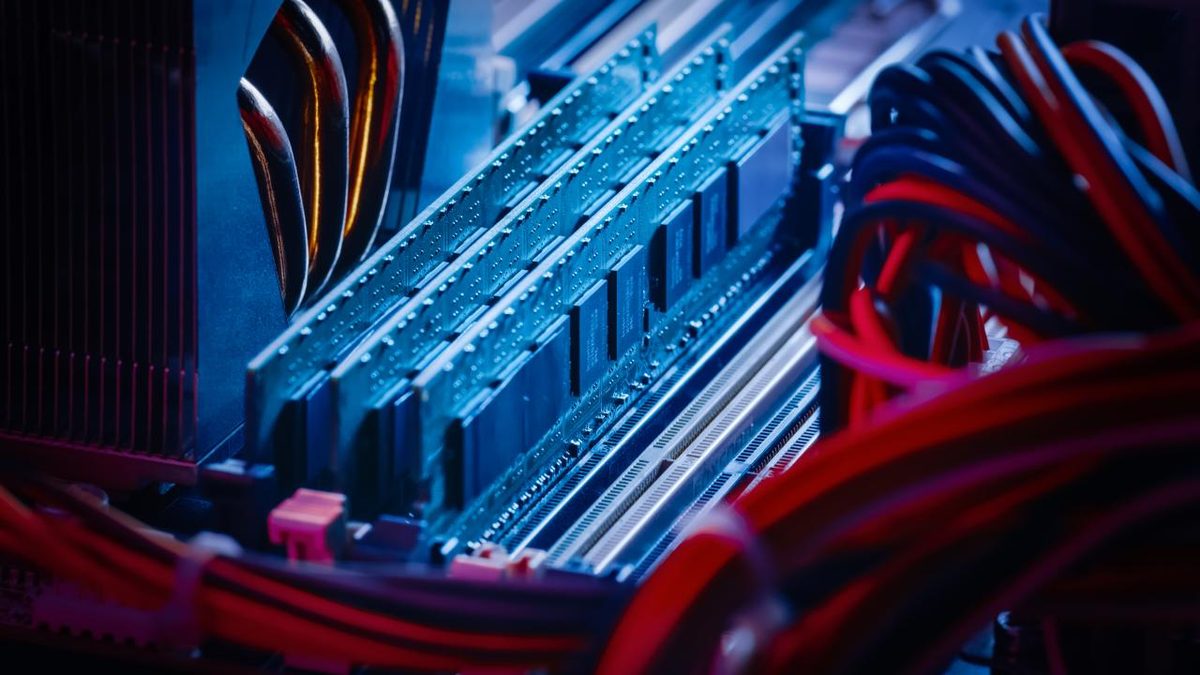
- RAM Slots : These hold your memory sticks. More speed in RAM means faster data processing.
- BIOS : This firmware stores hardware configuration settings. It initializes the system on boot.
- PCI Express Bus : This connects your graphics card. For gaming, a fast PCIe slot is non-negotiable. You need those bandwidth lanes.
- Embedded Cards : Audio and network controllers are often built right onto the board.
- I/O Panel : These are the ports you see on the back. USB, VGA, DVI, HDMI. They let external devices connect.
- Storage Connectors : These link your hard drives, SSDs, and optical drives.
Why It Matters for Your Daily Use
Most users don’t think about the motherboard until something breaks. But it dictates your upgrade path. You can buy the best GPU in the world, but if your motherboard lacks the right PCIe version or the chipset can’t handle the CPU, you’re wasting money.
It’s about compatibility. The socket type limits which CPUs you can use. The chipset determines how many USB ports or M.2 slots you get. If you’re building a PC for gaming, you need a board that supports high-speed RAM and has enough expansion slots for future parts.
The motherboard doesn’t just hold parts. It directs them. It ensures your CPU talks to your RAM. It makes sure your SSD writes data correctly. It’s the unsung hero of the stack.
When you upgrade, check the board first. Not the GPU. The board. It’s the foundation.