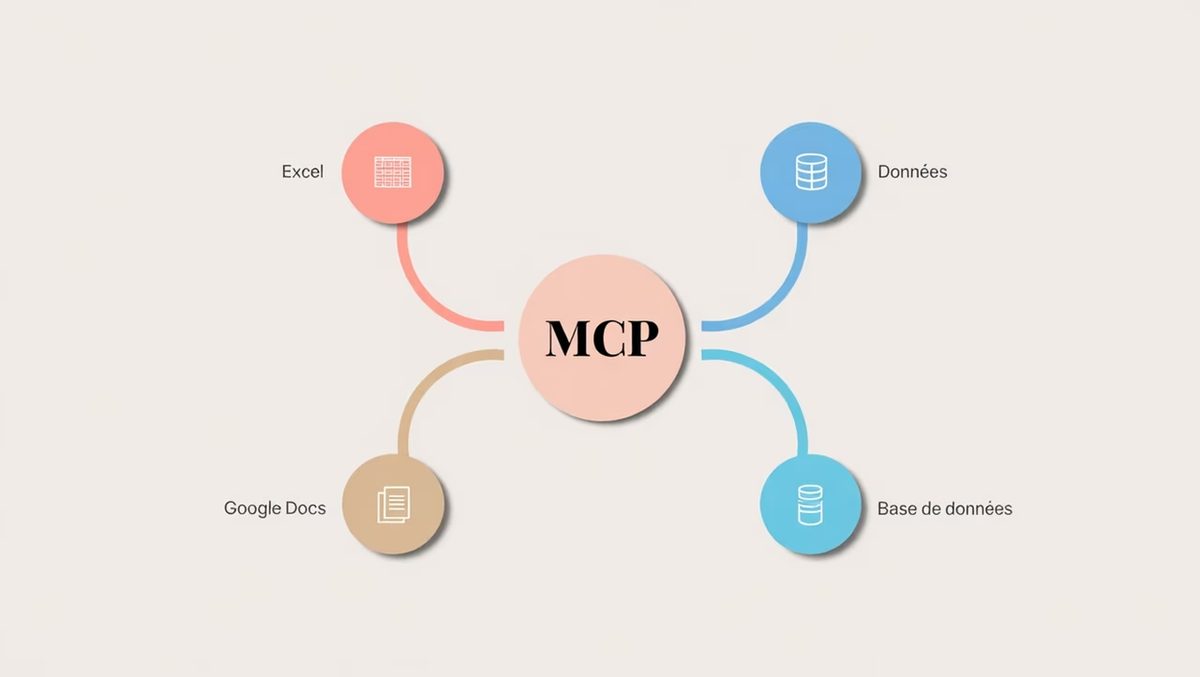
The rise of ChatGPT, Gemini, and Claude changed the game. We got smart chatbots overnight. But there was a glaring hole. These models lived in isolation. They knew a lot but could see almost nothing of your actual work.
How do you let them touch your Google Docs? Read your Outlook? Query a private database?
Before November 2024, the answer was messy. Developers wrote custom bridges for every single app. It was slow. It was expensive. It broke often.
Then Anthropic dropped a bombshell. Not an explosion. A standard.
On November 25, 2024, two Anthropic developers, David Soria Parra and Justin Spahr-Summers, released Model Context Protocol (MCP). Open source. Open standards. And it might just solve the connectivity crisis for AI agents.
Why standardization matters for AI agents
MCP is not just another API wrapper. It is a universal language. It standardizes how an AI model talks to external tools, databases, and services.
Think about the pre-MCP era. You wanted your AI to check your calendar? You wrote a script. You wanted it to access your GitHub repo? Another script.
This fragmentation created a wall.
- Development took forever.
- Costs skyrocketed.
- Compatibility was a guessing game.
- Security became a nightmare of custom endpoints.
MCP cuts through the noise. It gives developers one specification to rule them all. Suddenly, building an AI agent that interacts with your digital environment isn’t a six-month project. It’s a configuration task.
What does MCP actually connect to?
You might be asking: Which services does MCP support right now?
The list is already growing. It’s not limited to just one ecosystem. You can connect major chatbots like ChatGPT or Meta AI to:
- Microsoft Outlook
- Google Calendar
- Discord
- GitHub
- Dropbox
- Google Drive
- Microsoft Word
- Microsoft Excel
- Google Docs
- Google Sheets
- Visual Studio Code
And yes, internal company databases. Provided you grant permission. Which you should.
Real-world use cases
This isn’t theoretical. This is about automation.
Imagine an AI agent that has MCP access to your work tools. It doesn’t just chat. It acts.
It checks your calendar for free slots. It summarizes that 50-page PDF in your Google Drive. It analyzes data in Sheets to find anomalies. It drafts an email in Outlook based on those findings.
It finds the context you need, when you need it. Documents. History. Business data.
This moves us past simple Q&A. We are entering the era of autonomous agents. Agents that don’t just answer questions. They execute tasks.
“The MCP ambition is to become the universal standard for connecting AI to the digital world.”
The USB analogy
Why compare a protocol to a physical port?
USB standardized hardware. Before USB, you had serial ports, parallel ports, SCSI, proprietary connectors. It was chaos. Then USB came along. Plug in. It works.
MCP wants to do for AI what USB did for hardware.
It creates a plug-and-play ecosystem. Developers build one MCP server. It talks to any MCP-compatible client. Users get a more open, compatible, and simpler experience.
For enterprises, this means faster deployment. For developers, it means less boilerplate code. For users, it means AI that actually works with the tools you already pay for.
The catch? Consent.
The protocol doesn’t give AI god-mode. It requires explicit user authorization. You have to invite the bot into your workspace. You have to grant it access to specific files or services.
This is a feature, not a bug. Security remains in human hands.
We are seeing the early stages of this shift. The underlying tech is mature. The ecosystem is open.
But will every vendor adopt it? Will Microsoft and Google fully embrace a standard born from Anthropic?
That remains to be seen. The infrastructure is there. The need is urgent. The rest is just politics and market share.