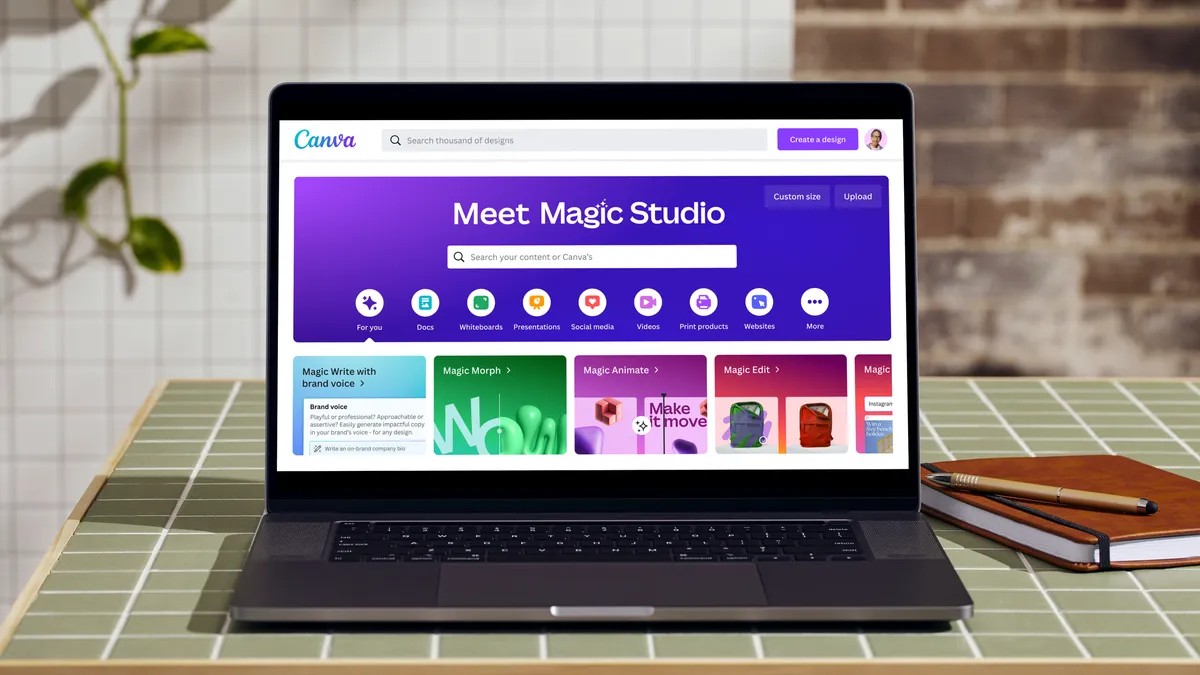
Canva has emerged as a top recommendation for users new to AI-powered graphic design due to its ease of use and accessible features. Unlike many competitors, Canva’s free plan provides a substantial toolkit without requiring immediate subscription upgrades.
The Rise of AI in Design
Artificial intelligence is rapidly changing the creative landscape, and Canva has integrated a suite of AI tools for text, images, and videos. A key advantage is Canva’s commitment to not training its AI models on user content, addressing privacy concerns that some creators have with other platforms.
As an expert in generative media, the platform’s Magic Media tool stands out for its beginner-friendliness. Canva’s Magic Media provides 50 photo and five video credits on the free plan, deducted with each generation. While sufficient for initial experimentation, more frequent users may eventually need Canva Pro ($15/month) to replenish credits.
Getting Started with AI Image Generation
Creating AI images in Canva is straightforward. From the homepage, users can click “Canva AI” in the search bar or access Magic Media through the left-side menu. Magic Media allows prompt-based image, video, and even code creation. Additional AI models from third-party apps (ProfilePhoto, LogoGen) are available via the Apps section.
Maximizing Magic Media
Canva’s Magic Media is intuitive, but several features enhance results.
- Prompting: Crafting effective prompts is crucial. Resources like CNET’s image prompt guide can help refine descriptions. The “Inspire Me” button generates random prompts for exploration.
- Reference Images: Uploading visual examples ensures the AI aligns with a specific aesthetic. Canva offers preset styles (filmic, 3D, anime), but custom references yield more tailored outputs.
- Credit Management: The credit tracker at the bottom of the panel monitors remaining usage. Once inserted into a project, images are stored in the library for unlimited reuse without additional credits.
Transparency and Disclosure
Canva-generated images are watermark-free, but users should disclose AI-generated content to maintain ethical transparency. The platform’s accessibility and user-friendly design make it an ideal entry point for creators exploring AI in graphic design.