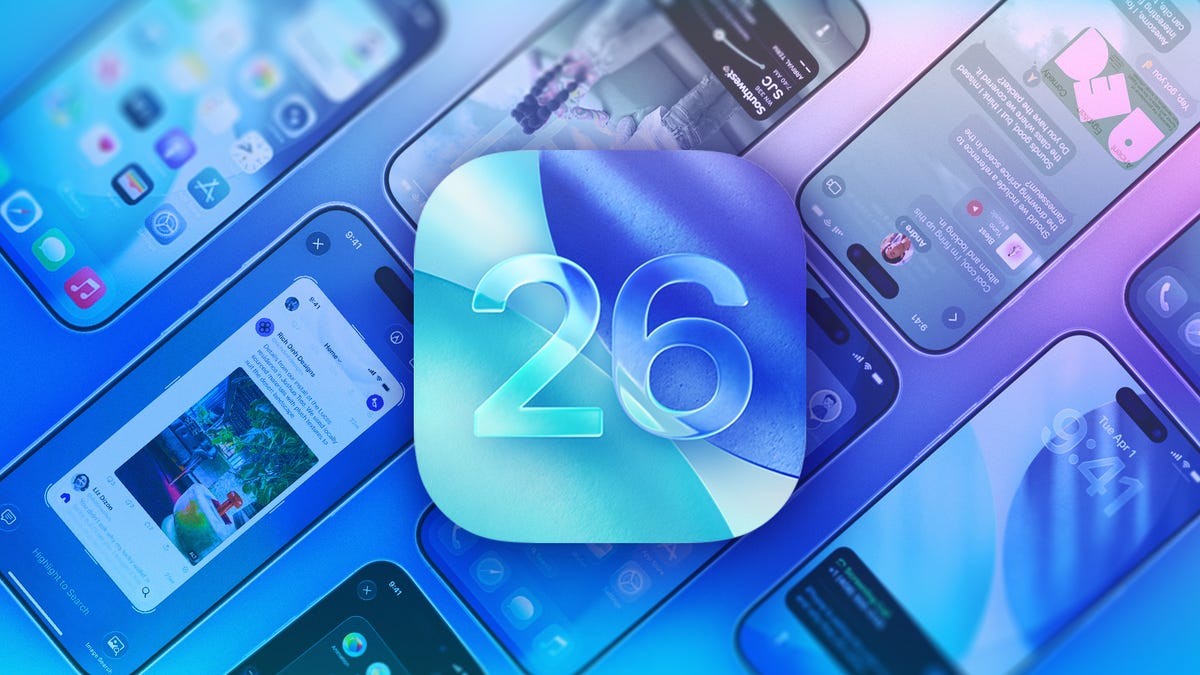
Apple’s iOS 26, released in September, marks a significant evolution for iPhone users. This update introduced a range of new features, from enhanced call screening to the visually striking Liquid Glass design – the most substantial aesthetic shift since iOS 7 in 2013. Subsequent updates (26.1, 26.2, and potential future releases like 26.3) have further refined the experience. This guide consolidates key features and tips to help you maximize your iOS 26 experience.
Core Updates and Security Enhancements
Liquid Glass: The headline feature, Liquid Glass reshapes the iPhone’s visual interface. While visually appealing, users should understand how to customize its intensity to avoid potential eye strain.
Call Screening: iOS 26 introduces advanced call screening, reducing spam calls and unwanted interruptions. This feature has been extended to text messages as well, giving users more control over their communications.
Security Updates: Apple released updates like iOS 26.2 to protect against potential attacks, reinforcing the importance of keeping your device updated.
Privacy and Control Features
Safari Privacy: iOS 26 includes features to enhance your privacy on Safari, giving you more control over data tracking. Ensure these settings are enabled for maximum protection.
Location Tracking: The Maps app has been refined to minimize unnecessary logging of visited places, addressing growing privacy concerns.
Screen Time Controls: For parents, iOS 26 offers improved Screen Time controls, allowing more oversight of children’s device usage.
Productivity and Convenience Features
AI News Summaries: AI-powered news summaries have returned, though Apple provides a warning about potential inaccuracies.
AirPods Integration: iOS 26 allows using AirPods to take photos, adding a new level of convenience.
Adaptive Power and Battery Optimization: The update includes features designed to extend battery life, addressing a common user concern.
Poll Creation in Messages: Group chats can now easily create polls to streamline decision-making.
Custom App Icons: Liquid Glass also enables the customization of app icons and widgets, further personalizing the iPhone experience.
Hidden Gems and Troubleshooting
Hidden Features: iOS 26 hides several useful features, including an alarm slider toggle and advanced camera capabilities.
iOS 26.0.1 Bug Fixes: Apple has addressed bugs in early releases, ensuring smoother performance.
Battery Drain Issues: Some users reported battery drain after updating to iOS 26; Apple acknowledges this as a temporary issue while the system optimizes.
Staying Updated
Apple continues to release iOS 26 updates with improvements and fixes. Keep your device updated to benefit from the latest enhancements, including potential support for end-to-end encrypted RCS messaging in future releases (iOS 26.3).
Conclusion: iOS 26 delivers a substantial upgrade, combining aesthetic changes with practical improvements to security, privacy, and user experience. Staying informed about updates and customizing settings will ensure you get the most out of Apple’s latest mobile OS.