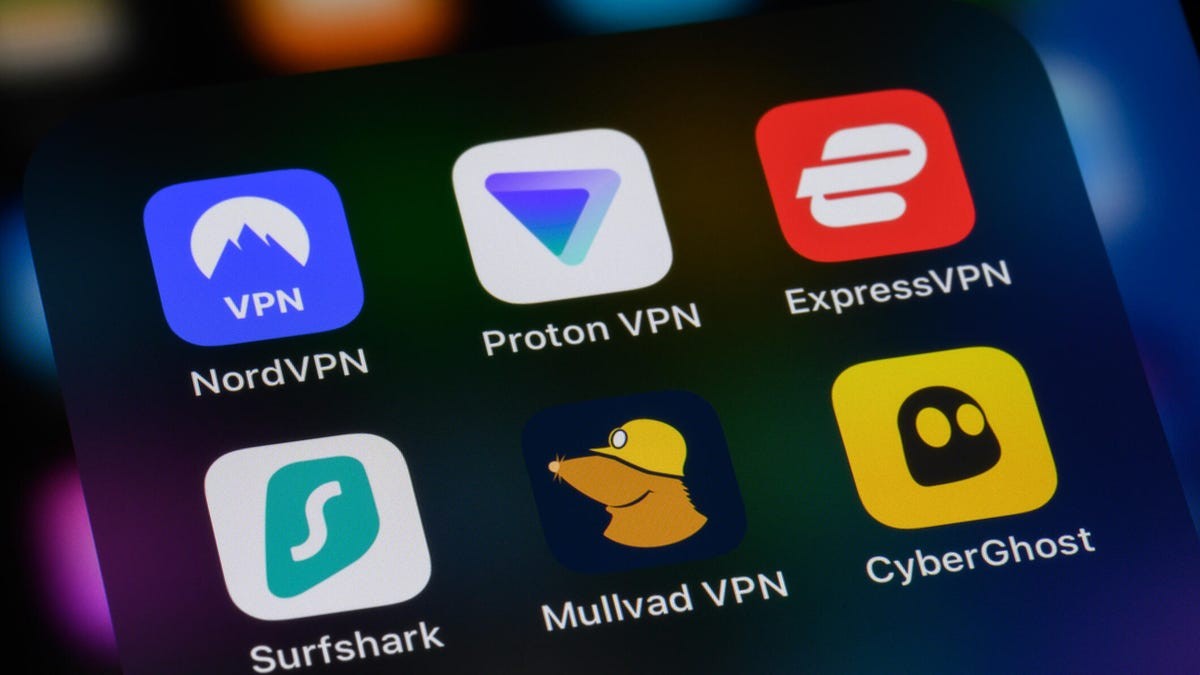
Mullvad VPN, a leading privacy-focused service, has announced a new feature designed to address a persistent security vulnerability in Apple’s iOS ecosystem. By introducing a manual “master switch,” the company aims to protect users from data leaks while avoiding the technical instability that often accompanies aggressive privacy configurations on Apple devices.
The Vulnerability: LocalNet Attacks and Data Leaks
Mobile users on iOS face a specific security risk known as LocalNet attacks. In these scenarios, cybercriminals set up malicious Wi-Fi hotspots that mimic legitimate, “friendly” networks—such as those found in cafes or airports.
Under normal circumstances, an iPhone might inadvertently allow certain app traffic to bypass a VPN tunnel to communicate with the local network. This creates a “leak,” where sensitive data travels over the unsecured local connection instead of the encrypted VPN tunnel, exposing the user to interception.
The Technical Dilemma: Security vs. Stability
To prevent these leaks, a VPN must force all app data through its encrypted tunnel, regardless of the network type. In technical terms, this requires an includeAllNetworks configuration.
While this setting provides much-needed security, it creates a significant conflict with Apple’s operating system:
– System Conflicts: Apple’s iOS updates frequently clash with deep-level network configurations.
– The “Bricking” Risk: Implementing strict network rules can trigger a destructive loop. An iOS update might attempt to modify the VPN settings, causing the device to freeze, reboot, and enter a continuous loop of failed updates—effectively “bricking” the iPhone.
Because of this risk, Mullvad has historically been hesitant to enforce these settings automatically.
The Solution: User-Controlled Protection
Rather than forcing a high-risk configuration on all users, Mullvad is implementing an optional master switch. This approach gives users the agency to prioritize either maximum security or maximum system stability.
To mitigate the risk of device failure, Mullvad is introducing a specific safeguard:
– Update Notifications: When an iOS update is detected, the Mullvad app will trigger a notification.
– Safety Instructions: Users will be prompted to either temporarily disable the VPN or turn off the includeAllNetworks setting during the update process to prevent a system loop.
Looking Ahead
Mullvad has indicated that this feature will be rolling out “soon.” However, the company maintains a cautious stance, noting that this workaround is not a perfect fix. They are actively encouraging iOS users to report any device freezes or update failures directly to Apple, highlighting the ongoing tension between third-party privacy tools and Apple’s closed ecosystem.
Summary: Mullvad is offering an optional setting to close iOS data leak vulnerabilities, providing users with a choice between heightened security and the stability of their device during software updates.