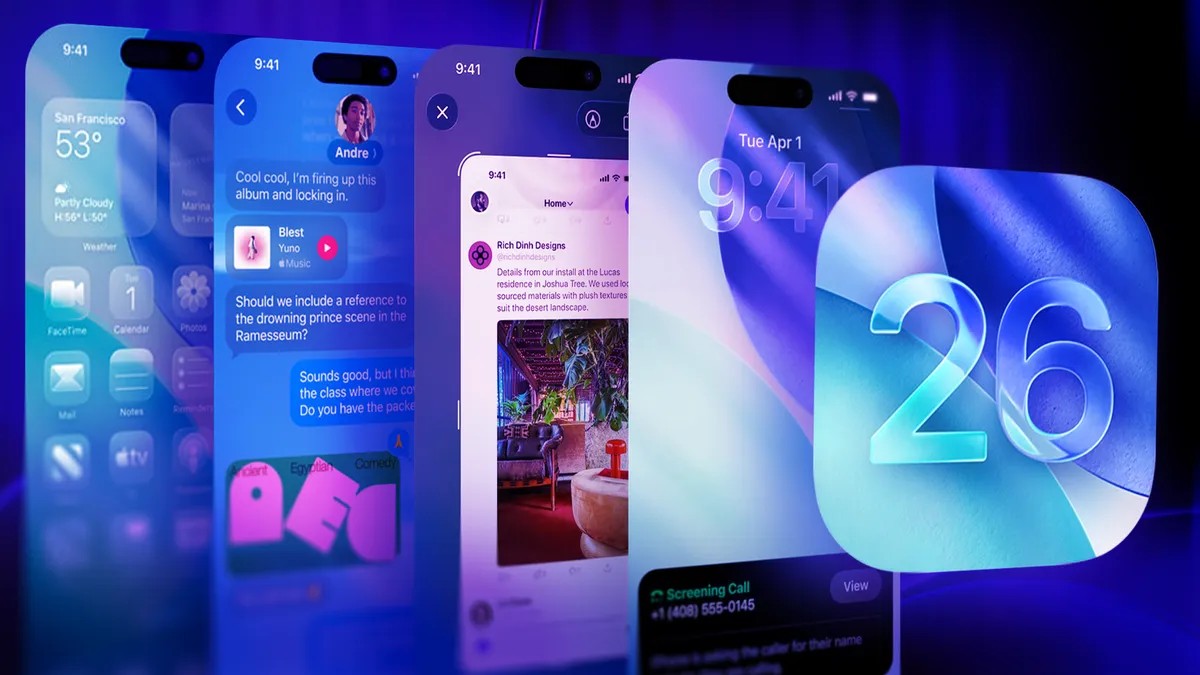
Apple’s iOS 26 delivers more than just headline-grabbing updates like Liquid Glass and AI tools. Many of the most impactful improvements are tucked away, quietly refining your daily experience. These subtle enhancements make your iPhone feel more intuitive and responsive, but they’re easily overlooked. If you want to truly leverage the latest software, it’s time to explore beyond the basics.
Here’s a breakdown of 19 hidden features that will transform how you use your iPhone, moving beyond the surface-level experience and into a realm of practical efficiency.
Power & Efficiency: Optimizing Performance
The latest iOS version isn’t just about flashy new tools. It also focuses on making the phone smarter about how it uses its resources.
- Adaptive Power Mode: (iPhone 15 Pro and later) This feature intelligently adjusts performance based on usage. It conserves battery during passive tasks like music streaming but ramps up power for demanding activities such as gaming or video recording. No more manual switching between modes; your iPhone handles it automatically.
- Customizable Snooze Duration: The notorious 9-minute snooze is finally customizable. Adjust alarms in the Clock app to snooze for 1 to 15 minutes, tailoring the interval to your needs instead of adhering to an outdated mechanical limitation.
- Battery Charge Time Estimates: The lock screen now displays how long it will take to reach 80% and 100% charge. This eliminates guesswork, allowing you to plan quick top-ups efficiently.
Communication & Productivity: Refined Interactions
iOS 26 makes everyday communication more versatile and efficient.
- Selective Text Copying: Copy only a specific section from a message bubble, ideal for passwords or codes without grabbing the entire text.
- Custom Conversation Backgrounds: Personalize text threads with custom colors, gradients, or photos in the Messages app, adding a unique vibe to each conversation.
- Polls in Messages: Simplify group decision-making by creating polls directly within the Messages app.
Visual & Media: Enhanced Experiences
These features elevate your iPhone’s multimedia capabilities.
- HDR Screenshots: Screenshots now capture in HDR, preserving the vivid colors and contrast of what you see on the screen, resulting in more accurate and visually appealing captures.
- Spatial Scenes in Photos: Turn photos into immersive 3D-like views with subtle motion. Tilt your iPhone to explore depth and perspective, enhancing the viewing experience.
- Translate Lyrics in Apple Music: Real-time lyric translations in Apple Music make it easier to enjoy songs in different languages without losing rhythm.
Intelligent Features: AI-Powered Convenience
The AI integration in iOS 26 extends beyond the main features, offering subtle but powerful enhancements.
- Visual Intelligence for Screenshots: Take a screenshot, and iOS will surface contextual actions like “Add to Calendar” for events or shopping results for products. You can even use the “Ask” or “Image Search” features to send screenshots to ChatGPT or Google for further analysis. Note: Be mindful of privacy when sharing screenshots.
- Dirty Lens Alerts: The Camera app now detects smudges or haze on the lens, prompting you to clean it before taking a shot.
- Search Screenshots with Visual Intelligence: Screenshots now offer AI-powered options to ask questions or perform image searches.
Other Useful Tweaks
- Swipe Gesture for Navigation: Swipe from the middle of the screen to go back in apps like Safari and Settings, streamlining navigation.
- Edit PDFs with Preview: The Preview app now lets you edit PDFs directly on your iPhone, highlighting text, adding notes, and signing documents.
- Custom Ringtone Creation: Create custom ringtones directly from MP3 or M4A files in Files without needing GarageBand.
- AirPods as Remote Shutter: Double-tap an AirPod to snap a photo remotely, ideal for group shots or tripod setups.
- Weather Without Service: Satellite connectivity provides basic weather forecasts even in areas without cellular service, ensuring you stay informed off the grid.
- Passport in Wallet: In supported regions, add digital passports to Wallet for seamless travel verification.
- Visited Places in Maps: Apple Maps now records your visited locations, providing a private, on-device history for easy recall.
Conclusion
iOS 26’s true power lies in its subtle refinements. While major features grab attention, it’s these hidden settings that elevate the daily iPhone experience. By exploring these tools, you unlock a more efficient, personalized, and intelligent device that anticipates your needs rather than simply reacting to them. If you’re serious about maximizing your iPhone, these tweaks are non-negotiable.