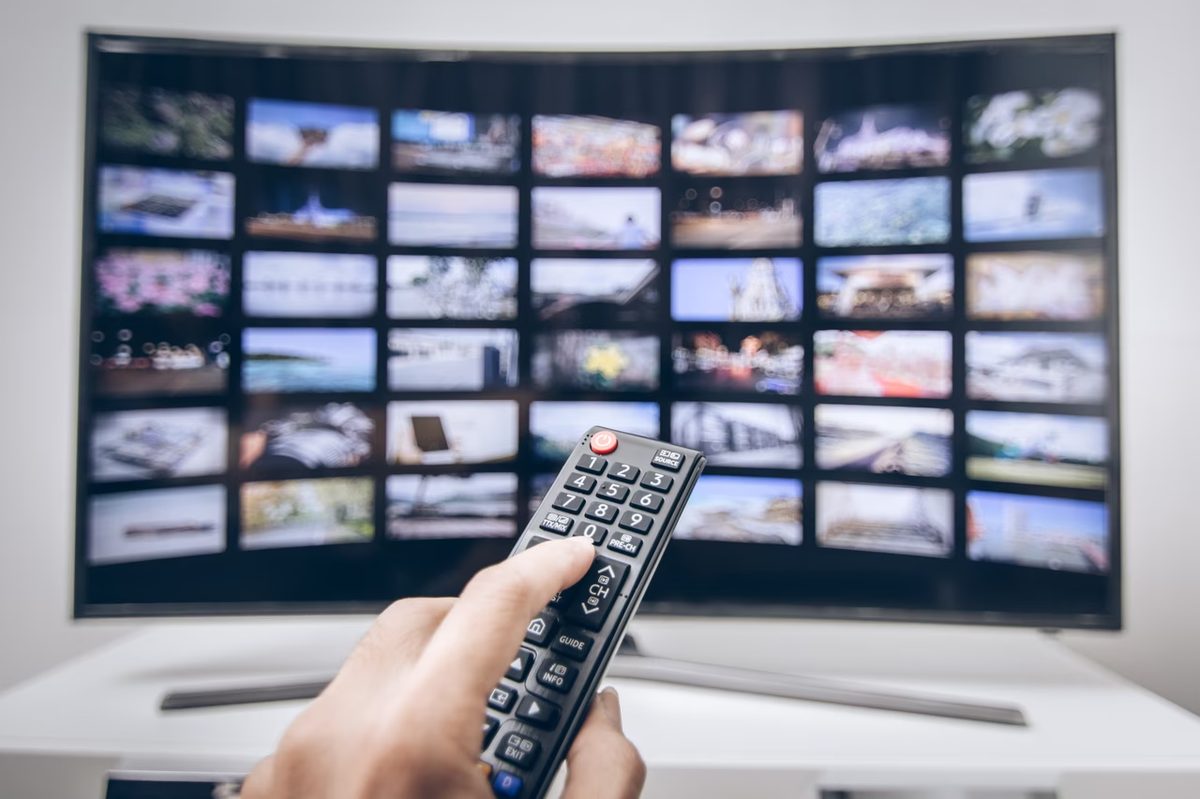
A smart TV is a television with an active internet connection. It’s not just a screen. It’s a two-way communication device. You plug it in. It streams data back out.
Traditional TVs received signals. They were passive terminals. A smart TV broadcasts. It interacts.
How connectivity defines the hardware
You can connect a smart TV to your home network in two ways.
One is through a physical cable. This uses an Ethernet port. Often called RJ45. It’s the standard for stability.
The other is wireless. Wi-Fi. This offers flexibility. No cables dangling from the back of the unit.
If your TV can do either of these things, it qualifies as a smart TV. That’s the only hard rule.
Display tech doesn’t matter
The screen technology is irrelevant to the definition.
A 4K OLED panel? Smart.
An older LED LCD? Still smart.
The resolution, color accuracy, or panel type has no bearing on the “smart” classification. It’s purely about the network interface.
Why this shift matters
This changes the role of the TV in your home.
It is no longer just a receiver. It is an emitter. It sends data to servers. It pulls content from apps. It interacts with your router.
Think of it this way. A regular TV shows you what the broadcaster sends. A smart TV shows you what you ask for.
A smart TV is an active participant in your network, not just a passive display.
This distinction explains why security matters more now. Your TV has an IP address. It has access to your home network. It can download updates. It can run apps.
That’s the core principle. Connectivity turns a display into a computer. Everything else—the picture quality, the sound, the design—is secondary to that fundamental shift.
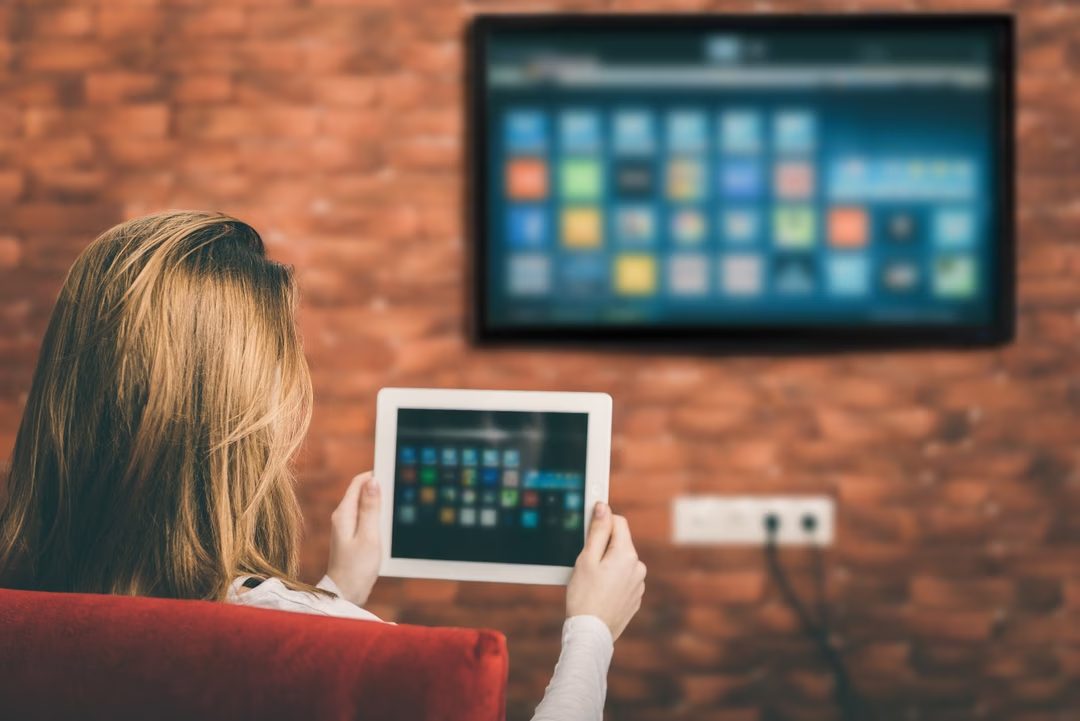
Smart TVs aren’t one-size-fits-all. Their capabilities hinge on the model and its connectivity. But broadly, they fall into three buckets.
Web Browsing on the Big Screen
First, there’s navigation. Some sets let you surf the web directly. You might get a physical keyboard with the unit. Or a pointing device that acts like a computer mouse. Pointing straight at the screen can feel clumsy, though.
A better option? Pair your smartphone. Use Bluetooth or Wi-Fi to turn your phone’s keyboard into the TV’s. It’s faster. Less awkward. You get full internet access without hunting for a remote.
Video: Beyond Live TV
Video consumption is where most users spend their time. It’s not just about live channels anymore.
You have streaming giants. Netflix. YouTube. Dailymotion. These platforms offer everything from blockbuster movies to niche documentaries. But there’s also Catch Up TV. This feature lets you rewatch programs that aired recently on traditional broadcast channels. It bridges the gap between linear TV and on-demand flexibility.
The smart TV doesn’t just show content. It curates it across platforms, making your viewing history and choices central to the experience.
Apps and Ecosystems
Just like smartphones, smart TVs have stores. We call them “app stores.” They’re gateways to millions of applications.
You can download games. Social media apps like Facebook. E-readers like Kindle. Some are free. Others cost money. This ecosystem turns the TV from a passive display into an active hub.
Who Makes Them and Where Is It Going?
The market is expanding. Manufacturers are constantly adding services to meet growing user demands.
Big players like Samsung, Panasonic, LG, and Sony build their own connected portals. They control the interface. They control the experience. Others focus on hardware versatility, adding integrated or adaptable webcams for video conferencing. This turns the living room into an office.
The smart TV is still evolving. It’s not a finished product. It changes slightly every year.
You have to adapt. Or you’ll be left watching static.