


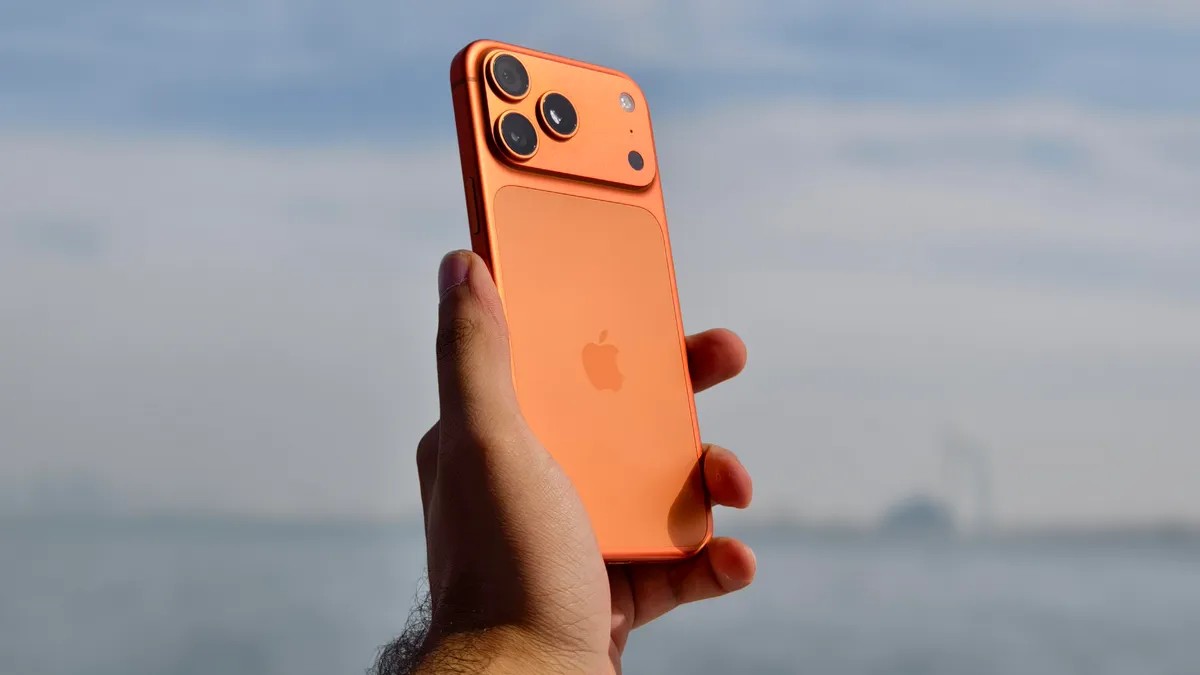
WWDC is next week. Everyone is buzzing about Siri. That’s nice. But the real news might be hiding in plain sight: Apple could be ready to show off the software for a foldable iPhone. Specifically, an “iPhone Ultra.”
I say that because iPhones have been stuck in the past when it comes to multitasking.
You know the drill. Dynamic Island pops up if you press and hold. It gives you a peek. But you’re not running two apps side-by-side. You aren’t stacking windows. It’s just information, isolated. That matters. Big-screen foldables live on that capability. Right now, a 6.9-inch Pro Max screen is essentially a big phone in disguise. It doesn’t stretch the legs. iOS limits it.
But Bloomberg dropped a bombshell. Reports say the upcoming foldable iPhone will launch with an “iPad-like interface” when open. Side-by-side apps. Sidebars. This is huge. If Apple demos true multitasking at WWDC 2026, they aren’t just tweaking a slab. They are building for a fold.
The potential here is massive: an iPad Mini experience that fits in your pocket. But only if Apple lets the software match the hardware.
An iPad-like interface isn’t enough. Not on its own. Having seen five years of Android foldables, I can tell you exactly where iOS usually fails. To make this work, Apple needs to adopt specific window management and UI tweaks. Here is what iOS 27 needs to deliver for a foldable launch.
Mastering Multi-Window Productivity
Oppo has the Find N6. It is my daily driver right now. Anti-reflective screen? Check. Huge battery? Check. Software? That is the killer feature.
Simple split-screen is dead. Or it should be. It sucks when you need to type. Put a keyboard in the middle of Google Docs while your source material sits next to it, and good luck seeing anything. You lose half your space.
Oppo fixed this years ago with their Free-Flow Window. You can run four apps. All at once. All resizable.
Sounds crazy? Maybe. Until you’re at an airport. I had to file taxes on the fly. I launched Google Sheets for the invoice. A Calculator app for income math. Keep for tax notes. Chrome to double-check my own published work. On a slab phone, I would have alt-tabbed forever. Switched out of focus. Missed details. On the fold, it is one glance. It is logical.
Apple needs to copy this logic. If iOS 27 adds floating, resizable windows, the foldable iPhone becomes a pocket computer. An iPad Mini. That is the promise of the form factor. Don’t waste it.
Bring Back the System Sidebar
Siri gets all the AI glory. But practical power? That’s in the sidebar. Samsung did this right. The Galaxy Z Fold series has a system-wide sidebar that stays on top. Always.
Why does this matter? Because AI needs a quick trigger. Samsung’s AI Select lives here. Highlight text in any app—email, web, PDF—and the sidebar offers actions.
I get a meeting invite in my inbox. Swipe the bar. Tap AI Select. Highlight the date, time, location. Boom. Calendar event created. Without it, you have to copy, paste, switch to Calendar, and manually type it again. Nobody wants that friction.
Apple’s report suggests sidebars only inside certain apps. That is a compromise I do not want. I want a system-level toolbar. I want quick access to Calculator, Files, and Apple Notes from anywhere. Overlay the content. Don’t force me to change screens to do simple tasks.
Smarter App Groups (Beyond Simple Folders)
Folders are basic. They are one tap away from hiding. I miss Honor’s extended folders on my iPhone. They let you pin more than just the top icon. You get a list. Up to five apps. Vertical or horizontal.
One tap expands the list. No hunting. No opening a folder only to realize it was empty. It groups my favorite tools without burying them. Android skins adopted this, but usually capped at three. Honor lets you customize it fully.
Apple’s answer is “Smart Stacks” or moving app icons closer. It feels clunky. Cluttered. When you unfold that massive screen, you need density control. Extended folders provide clean access.
We’ve had the hardware concepts for years. Now Apple has a chance to close the gap on usability.
The Real Test Is Now
Apple is sitting on a goldmine of leaked rumors. An iPad-like interface for the foldable would signal a major shift. iOS 7, iOS 13, iOS 17—all brought massive design overhauls. iOS 27 could be the year the iPhone stops trying to be a small-screen experience when unfolded.
If the multitasking is laggy? The fold fails. If the sidebars are limited? The productivity angle weakens.
The specs might show a 7.9-inch inner screen. That means nothing if you can’t run Word, Notes, and your browser simultaneously without the system stuttering. Or without hitting an app-switching wall every three seconds.
Apple’s next big thing won’t just be about folding the glass. It will be about folding your workflow into the space. Can iOS 27 handle the load? Or will we see yet another big-phone app experience disguised as innovation?
We will see next week.


