Everyone is chasing the iOS 27 public beta. We’re all thinking about the shiny new Siri AI features coming later this year. Apple is revamping everything. But that’s not where the real action is right now.
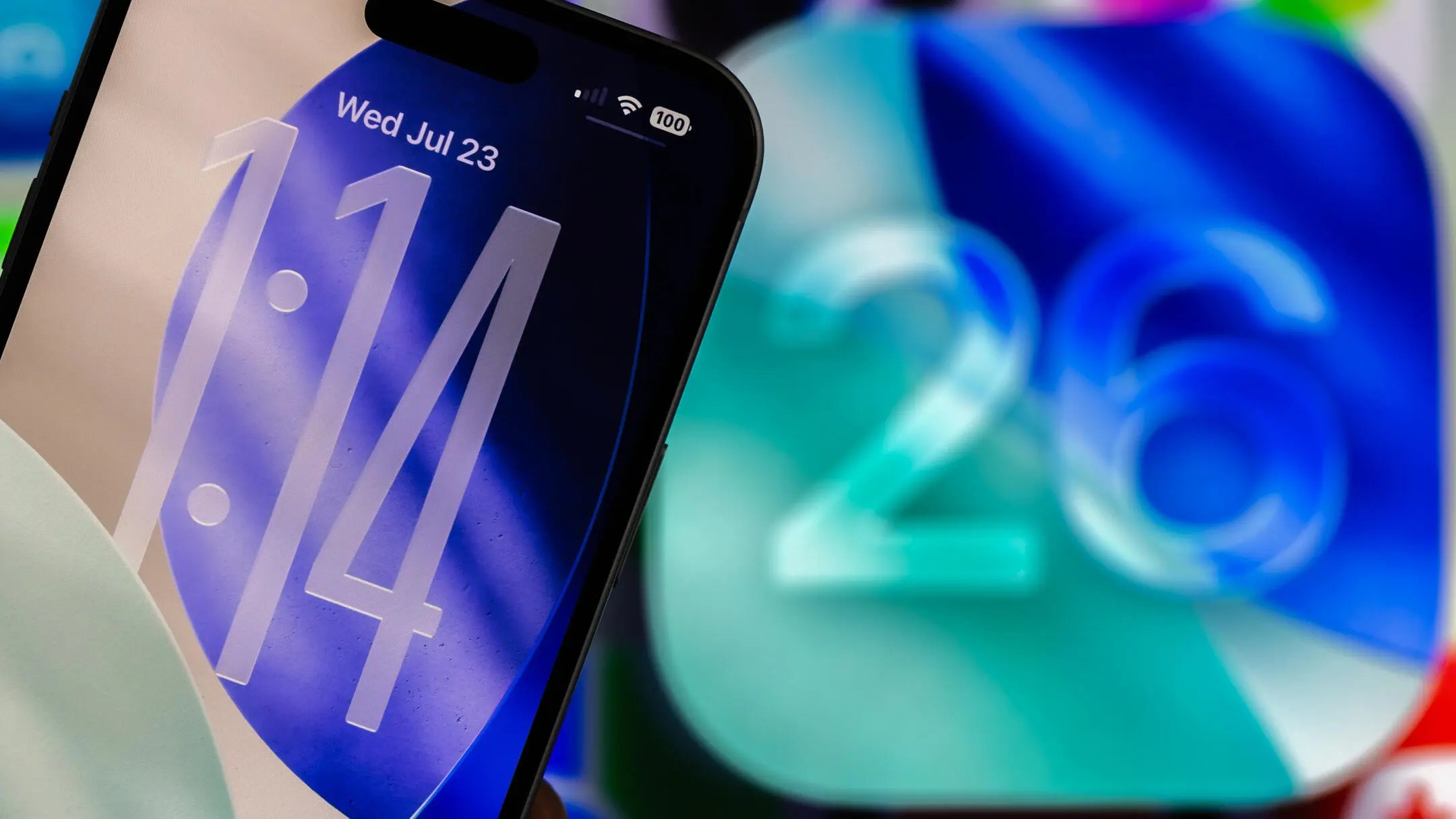
The real story is iOS 26.6.
It just dropped. And it is actually important.
While beta testers play with future tech, most users need stability. This update fixes bugs. It patches security holes. It makes your iPhone and iPad safer, right now. If you aren’t ready to risk a beta build crashing your daily driver, this is the update to install.
It isn’t just for iPhones. Apple rolled this out across the board.
iPadOS, macOS Tahoe, and the Watch Update
Don’t think this stops at your phone. The update covers the whole ecosystem.
- iPadOS 26.6 is here.
- macOS Tahoe 26.6 has arrived.
- WatchOS 26.6 dropped today.
- Even TVOS 26.6 got the update.
If you have Apple hardware, check your settings. You probably have pending patches sitting on your devices, waiting for permission to install.
What Is the “Blocked Contacts” Alert?
Most people will scroll past the new features. There’s one odd addition you might never see.
You might get an alert if you’ve blocked too many contacts.
Why does this matter? Blocking is your shield against spam calls and aggressive texts. You block a number. You block another. Before long, your blocked list is growing.
The system has an unspecified limit. It doesn’t tell you what it is. It doesn’t warn you every time you add one.
But hit the ceiling? You get an alert.
It’s a quirky edge case. You might be dealing with relentless scammers. You might hit the limit accidentally. Either way, iOS 26.6 notices.
Blocking is a feature for counteracting spam. If you’re plagued by unwanted intrusions, hitting the limit is inevitable.
How to Install iOS 26.6 on iPhone
You don’t need a developer account. You don’t need to hunt for a download link. It’s right there in the system settings.
Go to Settings.
Tap General.
Select Software Update.